Keep your master editor
Build the main cut, captions and story in CapCut or any timeline editor you prefer.
If your master edit is already finished, reopening a timeline for every variation is slow. 360° Uniquizer handles the batch stage: controlled video, audio, background, text, watermark and metadata changes across a full queue.
✓ Windows ✓ Local processing · no cloud upload ✓ Use source material you own or are authorised to process.
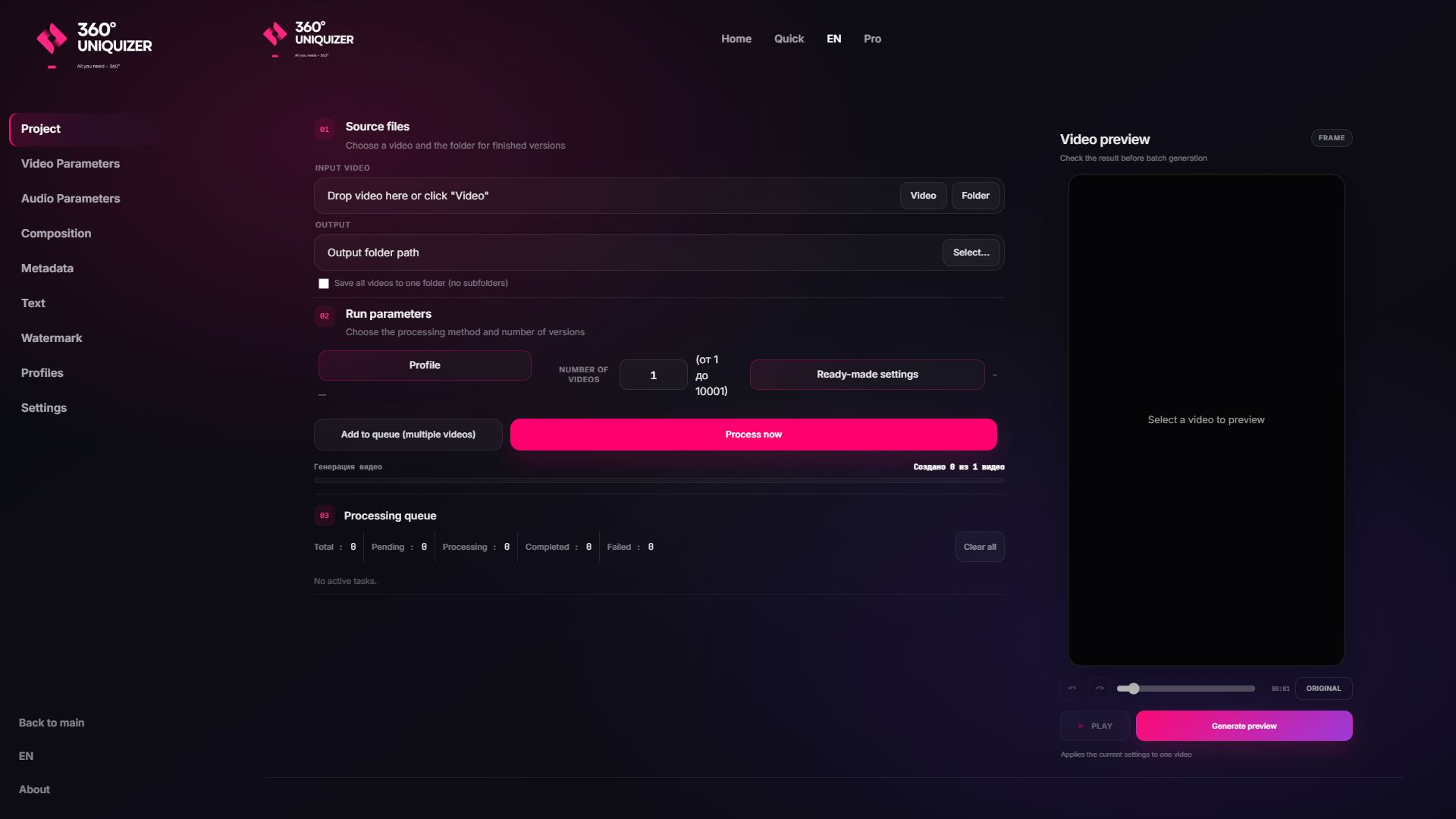
CapCut is strong for hands-on creative editing. 360° Uniquizer is the better fit when the creative is approved and the next task is producing many separate variations with repeatable rules.
Build the main cut, captions and story in CapCut or any timeline editor you prefer.
Apply one controlled profile to one source or a folder instead of duplicating projects.
Process audio, composition and metadata alongside visual effects.
Create background variants or use assets from your own folder.
See the composition before running dozens or hundreds of exports.
Avoid another cloud upload step for source and campaign files.
You do not need to replace the creative editor that already works for your team.
Lock the story, main captions, timing and brand or compliance requirements.
Use a high-quality file that leaves room for controlled downstream processing.
Choose video and audio ranges, composition, backgrounds, text, watermark and metadata.
Run the Windows queue and receive separate files ready for review and publishing.
This is an alternative for the batch-variation job, not a claim that every CapCut feature is duplicated.
| 360° Uniquizer | Typical timeline editor | |
|---|---|---|
| Best at | High-volume controlled variations | Hands-on timeline creation |
| Workflow | Rules + queue + batch export | Manual project editing |
| Variation layers | Video, audio, composition and metadata | Creative timeline layers and templates |
| Use together | After the master is approved | Before batch production |
Each page answers a different commercial search intent, so you can choose the workflow closest to your task.
No. It is a CapCut alternative specifically for batch video variations. Keep CapCut when you need a creative timeline; use 360° Uniquizer when you need volume and repeatability.
Use an exported video master rather than a CapCut project file. The software processes standard media files and folders.
Visual effects, audio effects, backgrounds and composition, text, watermark and metadata can all be part of one processing profile.
Yes. The queue produces separate output files in the folder you select.
Start with the free allowance, inspect the output and move to a paid plan only when the workflow proves useful.