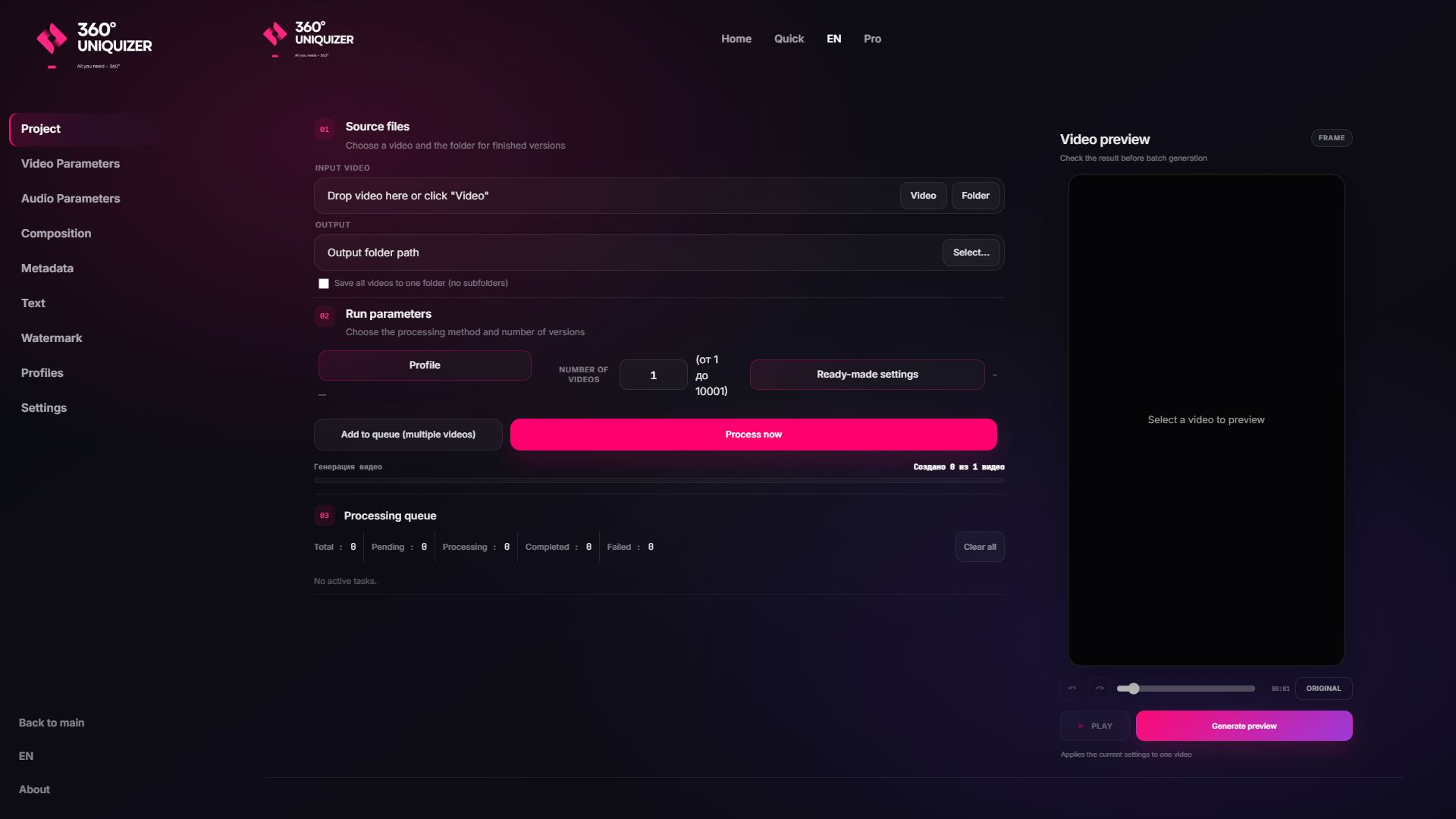
File or folder input
Add one video for variations or a complete folder for the same processing profile.
Process a folder of short-form videos or create many variations from one master without uploading source files to a cloud editor. Configure the job once, preview it, and let the local Windows queue handle the exports.
✓ Windows ✓ Local processing · no cloud upload ✓ Use source material you own or are authorised to process.
Large creative folders are slow to upload, expensive to repeat and awkward to organise. Local processing keeps the source, profiles and output on the workstation where the team already works.
Add one video for variations or a complete folder for the same processing profile.
Run the task on Windows without sending source creatives to a third-party cloud editor.
Combine visual effects, audio, composition, text, watermark and metadata.
Prepare a large task and keep output organised in the folder you choose.
Repeat an approved setup across future batches without rebuilding every control.
Work with MP4, MOV, AVI, MKV, WEBM and other supported inputs and outputs.
The queue is designed for repeatable production, not one-file-at-a-time editing.
Load the source media and select the destination folder.
Choose the ranges and layers that should change across output files.
Verify the composition and text placement before the full job.
Use the available CPU or GPU workflow and review the organised output batch.
The best option depends on whether you value collaboration in a browser or local throughput and file control.
| 360° Uniquizer | Typical timeline editor | |
|---|---|---|
| Source transfer | No cloud upload required | Every source must be uploaded |
| Large folders | Add the folder to a local queue | Upload and manage files one service at a time |
| Privacy | Files stay on the Windows computer | Files are processed on a provider’s infrastructure |
| Repeat jobs | Saved profiles and consistent output folders | Depends on the cloud editor and plan |
Each page answers a different commercial search intent, so you can choose the workflow closest to your task.
Use the current downloadable Windows build. Check the download page and release notes for current system requirements before installation.
The application includes GPU-capable processing paths where the selected effects, hardware and drivers support them.
The queue is designed for large jobs. Actual throughput depends on source resolution, effects, output settings and the computer.
The media processing itself is local. Licensing, updates or linked online services can still require a connection.
Start with the free allowance, inspect the output and move to a paid plan only when the workflow proves useful.