Version 2.2.0 makes it faster to check a variation before processing a full batch. The preview workflow and interface have been rebuilt, while the composition tool now includes a circular video layout for TikTok, Reels, Shorts and other short-form workflows.
A new preview workflow: inspect a frame, then play the result
While adjusting settings, the app works with a selected frame from the source video. Move the timeline slider to a representative moment and review video effects, composition, text and watermark placement immediately.
Click “Generate preview” to render a processed preview with motion and audio. Once it is ready, use Play to review it again. This gives you a practical check before committing the same setup to the whole queue.
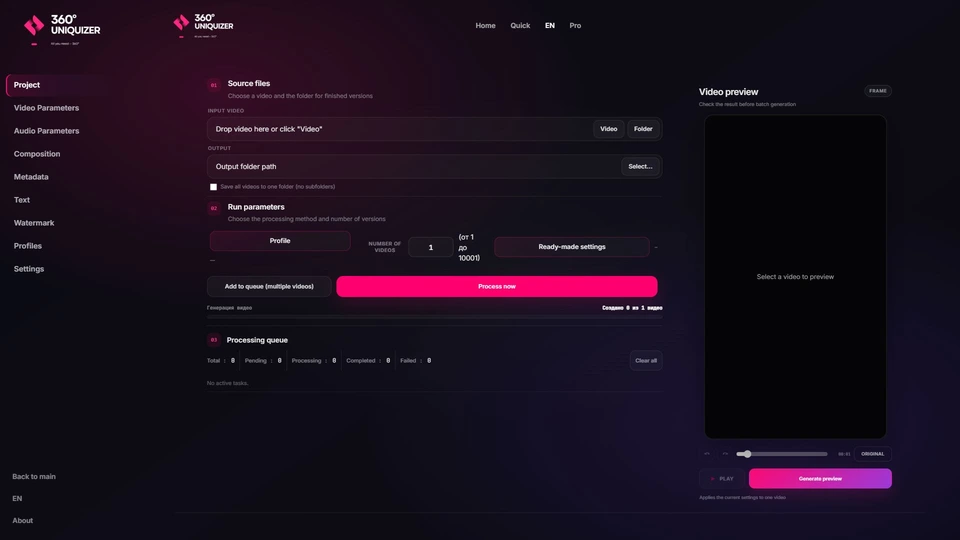
Circular video and expanded composition controls
The new circular mode places the main video inside a movable circle over the background. You can resize the circle, move it around the canvas and adjust the crop inside it — useful for reaction clips, talking-head overlays and short-form creative variants.
You can still place video over a full background, split the frame top-to-bottom or left-to-right, use your own background clips or generate a background in the app. Text and watermark changes now save automatically, and a watermark can be either an image or a video.
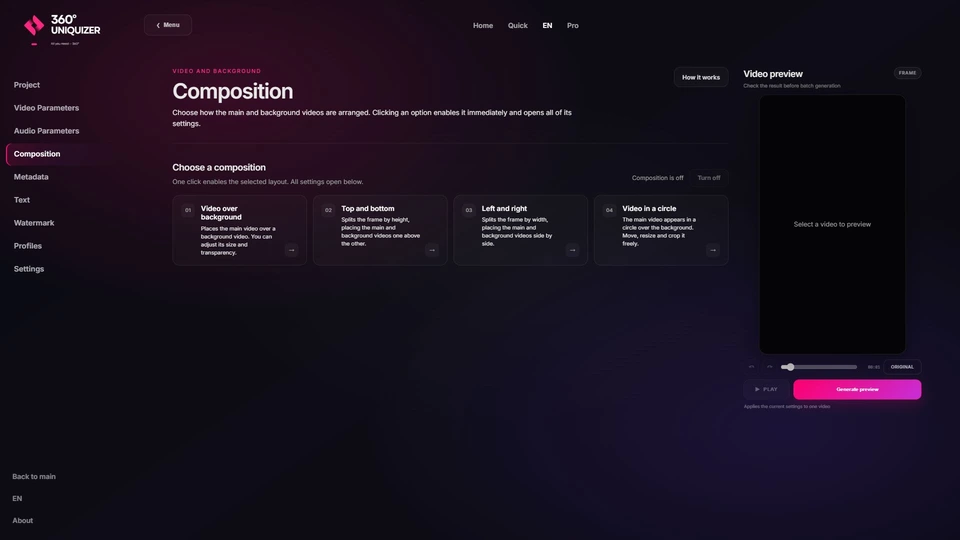
Quick or Pro: which mode should you use?
Start with a ready-made preset
Choose Light, Medium or Strong when you want a fast setup without tuning every effect manually. It is the shortest path from a source file to a batch of separate variations.
Control every part of the output
Open all video and audio effects, backgrounds, composition, text, watermark, metadata, profiles and queue controls. Use Pro for repeatable campaign workflows and large batches.
Other improvements in 2.2.0
- better metadata handling and settings persistence;
- more reliable batch processing, queue management and background tasks;
- updated audio effects and interface controls;
- automatic saving for text and watermark changes.
Upgrading from 2.1.x
Close 360° Uniquizer, download the new installer and run it. You do not need to move your source files or saved profiles manually.
Reviewed and updated
360° Uniquizer 2.2.0 FAQ
How does the new preview work?
Use the slider to select a setup frame. “Generate preview” renders a processed clip with audio that you can replay with the Play button.
Can I place a video inside a circle?
Yes. Select the circular composition mode, then adjust the circle position and size as well as the crop inside it.
What is the difference between Quick and Pro?
Quick applies one of three ready-made presets. Pro exposes every setting and lets you save your own reusable profile.
How do I upgrade from 2.1.x?
Close the app and install version 2.2.0 with the latest installer from the official website.