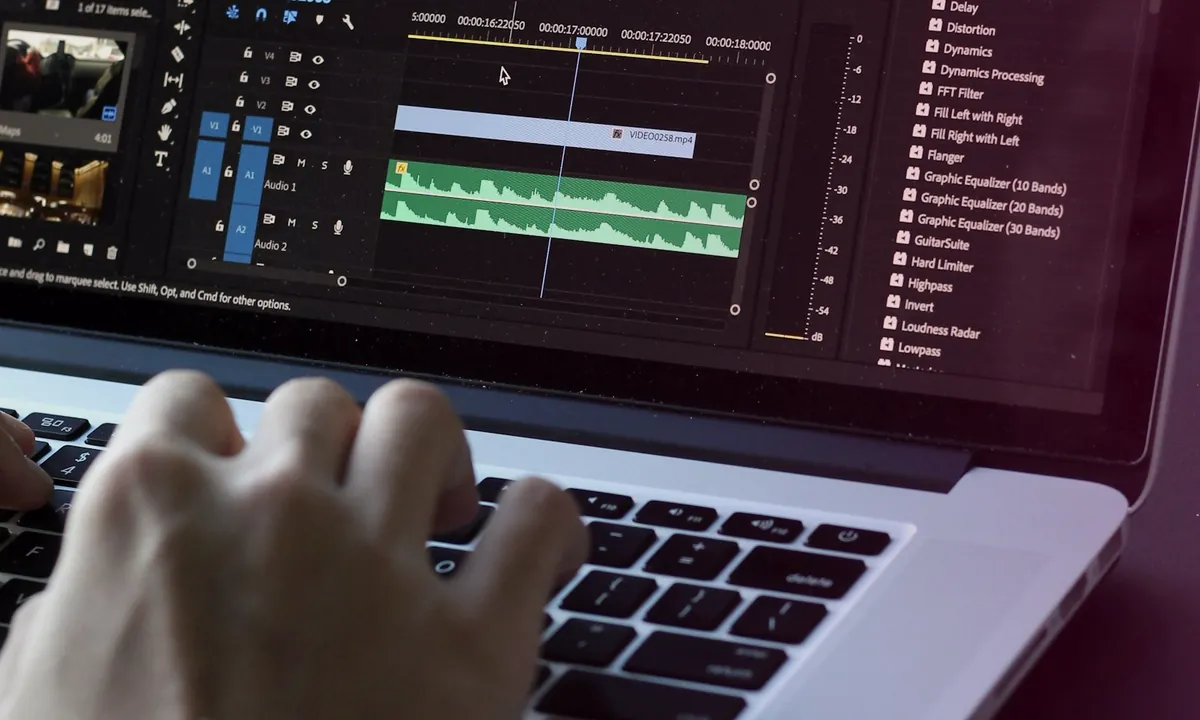
When it comes to creating unique versions of videos for arbitrage campaigns, a practical question arises: do it manually in a video editor or use a specialized tool? Both options work - but for different tasks. This article is a fair comparison of the two approaches so you can choose the right one for your specific scenario.
What is manual video variation
Manual video editing is editing each video individually using a video editor. Affiliate marketers most often use:
- CapCut - free mobile and desktop editor. Popular for its simplicity and wide range of functions: cropping, speed, color correction, effects, reverse
- DaVinci Resolve is a professional free desktop editor. Powerful color correction, noise reduction, detailed editing tools
- Adobe Premiere Pro - paid professional editor. Full control over every parameter
- VN Video Editor - a simple mobile editor, convenient for quick basic changes
With the manual approach, you choose what and how much to change in each specific video: where to put the crop, how to adjust the color, whether to add reverse or change the speed.
Advantages of manual video editing
- Full creative control - you can apply any transformation, including non-standard ones: changing editing, adding elements, restructuring the video
- Works without additional tools - CapCut and DaVinci Resolve are free
- Suitable for single important videos - when you need to make a specific video truly unique in terms of content
- Flexibility - you can apply different approaches to different rollers
Limitations of manual video editing when scaling
Manual processing works well for small quantities. But as the network of accounts grows, it becomes a bottleneck for several reasons.
Time. With normal quality of work - 30-90 minutes per video, depending on the complexity of the changes. 50 videos are 25-75 hours of work. 100 videos - already more than a week.
Instability of parameters. By the 20th video, fatigue begins to affect the result: in some places the crop is more aggressive, in others it is weaker. It is difficult to ensure the same amplitude of changes manually over a large volume.
Scalability. Each new video or account requires proportionately more work time. The growth of the grid is directly related to the growth of the routine.
What is Automatic batch processing
Automatic batch processing - parametric batch processing. You specify a set of transformations and their amplitude once, the program applies them to all batch files automatically.
Key differences from the manual approach:
- Settings are applied equally to each file - no human error or fatigue
- All layers are processed simultaneously: video, audio, metadata
- The required number of unique versions is created from one source
- Processing time does not depend proportionally on the volume: 100 files are processed approximately as quickly as 20
Advantages of Automatic batch processing
- Speed. Hundreds of files processed in one session
- Consistency. Same amplitude of changes on each file
- Systematic. All layers (video + audio + metadata) are closed at the same time
- Scalability. Grid growth does not require a proportional increase in working time
- Predictability. The result can be easily checked on a test sample
Automatic batch processing restrictions
- Less creative control - parameters are applied systematically, without fine-tuning for each specific video
- Requires correct initial setup - unsuccessful settings will apply to the entire batch
- Does not replace working with content - video variation changes the file parameters, but does not make a weak video strong
Comparison by use case
| Scenario | Manual | Automatic |
|---|---|---|
| 1-5 video, creative project | ✓ Better | Excessive |
| 10-20 video regularly | Possibly | ✓ More convenient |
| 50+ video, account grid | Bottleneck | ✓ Better |
| Non-standard transformations | ✓ Better | Limited |
| Consistent large-scale bay | Difficult | ✓ Better |
| One source → many versions | Long | ✓ Better |
Combined approach
Both methods are not mutually exclusive - they combine well within the same workflow.
Typical scheme: a high-quality original video is created manually with the necessary editing and script (CapCut, DaVinci). The finished video is then sent to batch processing to create unique versions for each network account.
This approach combines creative control at the source creation stage with automation efficiency at the replication stage.
How 360° Uniquizer implements the automatic approach
360° Uniquizer is a tool for batch Automatic batch processing of videos and photos. In the video part: 50+ effects with adjustable amplitude (brightness, contrast, crop, noise, saturation and others), transformation of the audio track, unique file metadata. The required number of unique versions is created from one source in batch mode.
Preview allows you to check the parameters on test files before running a full batch - this is important to ensure the quality of the result.
FAQ
Can both approaches be used at the same time?
Yes, and this is often the best solution. Create a high-quality source manually → automatically replicate it into the required number of unique versions.
What is better for a beginner?
Depends on the task. If you start with 1-3 accounts, manual processing in CapCut is quite sufficient. As the network grows to 10+ accounts, automation begins to save real time.
How much time does automatic processing save?
With 100 videos and 30 minutes for manual processing - about 40-50 hours. The exact figure depends on the complexity of the transformations and the experience of the editor.
Does automatic processing affect video quality?
Settings are user-configurable. Preview allows you to find a balance between making meaningful changes and maintaining quality before the entire batch is launched.
Total
Manual and Automatic batch processing are not competing approaches, but tools for different scales of tasks.
Manual is better for single creative videos, where control over each frame is important. Automatic - for grids where you need to process 50-500 files with consistent parameters and without losing working time on routine.
The combination of both approaches - creating a high-quality source manually and automatically replicating it - often gives the best result: both high quality content and efficiency when scaling.
Reviewed and updated
Quick answers
Where should I start with this guide?
Record the baseline and choose one test goal. Change one factor at a time, then compare results over the same time window.
Why do I need unique video versions in this workflow?
Each account needs a separate file. 360° Uniquizer changes the visual layer, audio and metadata so the platform receives a new technically unique version without manual editing for every upload.
What affects reach besides the file itself?
The hook, retention, offer-audience fit, account history, content rights and platform compliance. A unique file solves the technical scaling step; the creative and funnel still need testing.
Official platform sources and policies
Check the current rules before launch because platform policies and interfaces change.