Best Video Uniquification Software 2026: Review and Comparison
Why video uniquification still matters in 2026
Ad platform and moderation algorithms get better every year at spotting duplicate content. Uploading the same creative unchanged across dozens of ad accounts is a fast way to trigger bans or reduced delivery. For arbitrage buyers, SMM specialists, and anyone publishing content at scale, uniquifying video is a routine part of the workflow. The real question isn't whether to do it, but which type of tool gets the job done efficiently.
There are several categories of solutions on the market, each with its own trade-offs. Let's walk through them so you can pick the approach that fits your volume and budget.
Category 1: desktop batch processors
These are installed programs that process large batches of video in a single pass. They typically offer the most control: a set of video and audio effects, the ability to define settings once and apply them to hundreds of files, and multi-threaded processing to speed up large jobs.
Advantages:
- High throughput on large batches thanks to multi-threading (some tools, including 360 Uniquizer, support up to 32 simultaneous threads).
- A wide range of effects — 360 Uniquizer offers 35 video effects and 14 audio effects, letting you combine changes for a genuinely different fingerprint per file.
- Ability to build composite formats (PiP, split-screen) for extra visual uniqueness.
- Built-in uniqueness checking, so you can immediately verify whether a result differs enough from the source.
Downsides: requires installation on Windows, and for very small volumes (1-2 videos a day) such a tool might be overkill.
Category 2: browser extensions
Browser plugins usually work "on the fly," adding light distortions while you upload video through a web interface. That's convenient for quick one-off edits, but the effect set is almost always limited, and processing large batches of files is awkward or simply not supported — extensions aren't built for multi-threaded batch processing of hundreds of files.
Pros: low barrier to entry, no heavy software install.
Cons: limited depth of changes, tied to a specific browser, usually no built-in uniqueness check.
Category 3: mobile apps
Mobile uniquifiers and editors with similar features make sense when content is shot and edited directly on a phone. They work well for UGC-style content and quick on-the-go post-production.
Pros: mobility, simple interface.
Cons: limited processing power for large volumes, awkward batch handling, often a more modest effect set compared to desktop tools.
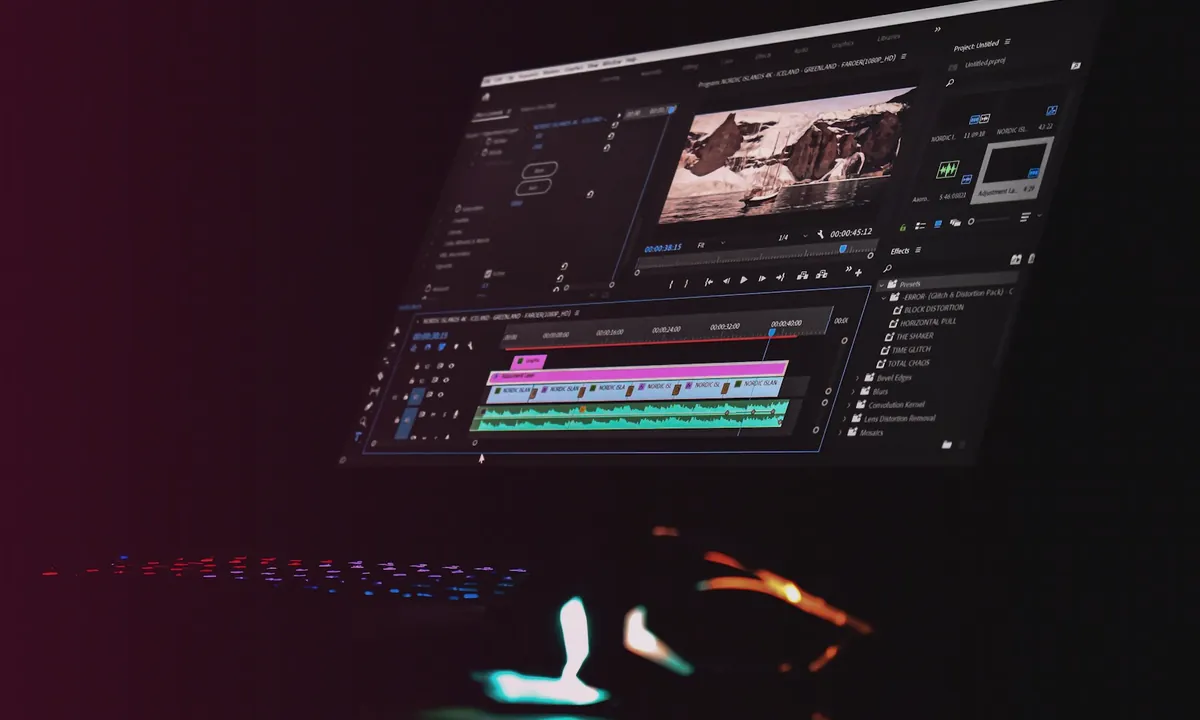
Category 4: manual editing in video editors
Manual uniquification in Premiere Pro, DaVinci Resolve, or similar tools gives maximum creative flexibility — an editor can build a genuinely unique narrative rather than just stack effects. This is the best option for premium, one-off content.
Pros: full creative control.
Cons: significant time per video, which makes the approach impractical for scaling to hundreds or thousands of creatives per month.
What to look for when choosing a tool
When comparing software, pay attention to:
- Number and diversity of effects — more combinations of video and audio changes generally mean higher resulting uniqueness.
- Multi-threading — critical once you're processing dozens of videos a day or more.
- Built-in uniqueness checking — lets you verify the result instead of guessing.
- Audio track handling — many overlook that detection can target sound, not just picture.
- Compatibility with your OS and file formats.
Where 360 Uniquizer fits in
360 Uniquizer sits in the desktop batch-processor category for Windows and covers the typical needs of arbitrage buyers and SMM specialists: 35 video effects, 14 audio effects, PiP and split-screen compositing, multi-threaded processing up to 32 threads, and a built-in uniqueness check. That combination makes it convenient for mass creative preparation without manually re-editing each file.
Conclusion
Which category fits best depends on your volume and goals: manual editing suits premium one-off content, a mobile app suits UGC shot on a phone, and a browser extension suits quick fixes. But for regular, large-scale creative preparation — dozens or hundreds of files — a desktop batch processor with multi-threading and a broad effect set, such as 360 Uniquizer, typically offers the best balance of speed, control, and final uniqueness quality.
Reviewed and updated
Quick answers
Where should I start with this guide?
Record the baseline and choose one test goal. Change one factor at a time, then compare results over the same time window.
Why do I need unique video versions in this workflow?
Each account needs a separate file. 360° Uniquizer changes the visual layer, audio and metadata so the platform receives a new technically unique version without manual editing for every upload.
What affects reach besides the file itself?
The hook, retention, offer-audience fit, account history, content rights and platform compliance. A unique file solves the technical scaling step; the creative and funnel still need testing.
Official platform sources and policies
Check the current rules before launch because platform policies and interfaces change.